




CASINO
Live table area
Check table availability, stream loading and table language before joining Speed Baccarat or Dragon Tiger.
Speed Baccarat, Sweet Bonanza, Aviator and our Sportsbook sit in one account flow, with DANA, OVO, GoPay and QRIS visible before you fund your wallet.
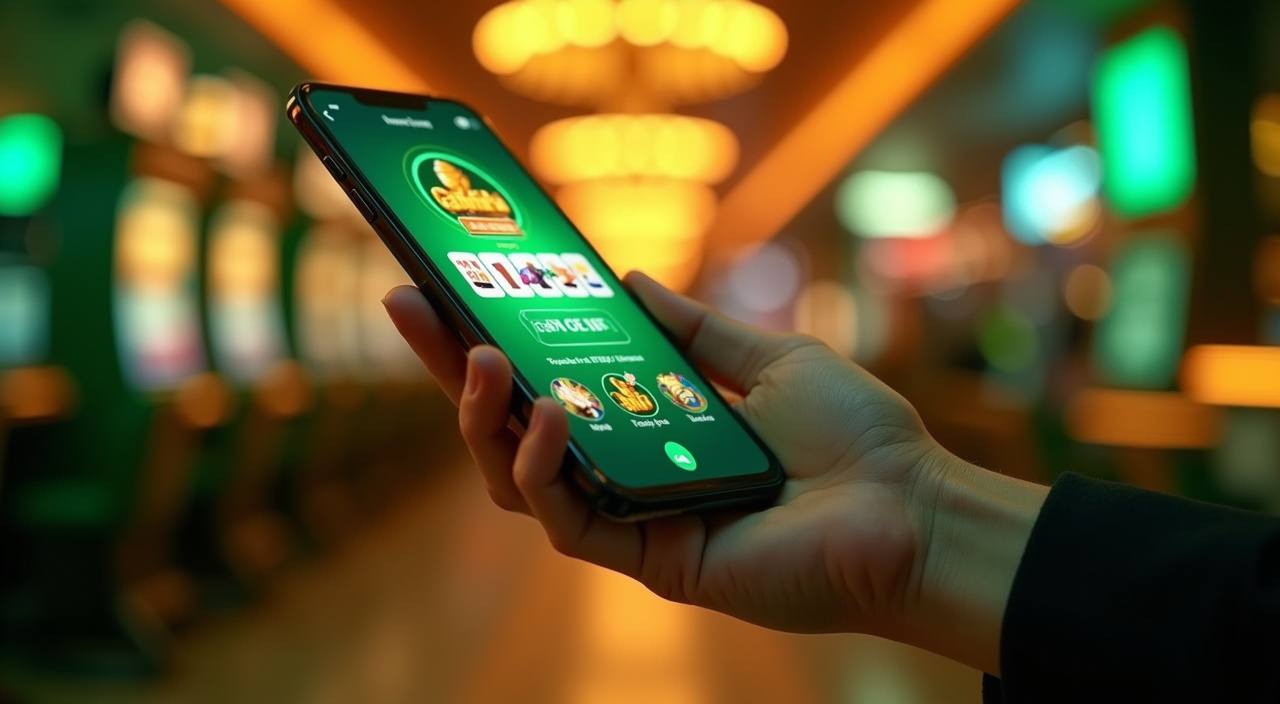

Open the tokyojitu lobby to see slots, live casino tables, table games and fishing rooms arranged for quick switching.
We carry familiar studio names for Indonesia, including Pragmatic Play, PG Soft and Habanero, with extra rooms from CQ9 and Spadegaming.
Local funding is easiest when the rail already sits in your phone. We show DANA, OVO, GoPay and QRIS in the wallet, and successful transfers usually…
The home page points you to areas that answer practical questions before you fund your wallet.



Your first check should be account access, game fit and wallet readiness. We place registration, login, wallet and help controls in the same header so you do not…
Support is available every day from 09:00 to 01:00 WIB. Start with live chat for login, wallet and game loading questions, then use email when screenshots or account documents are needed. Mobile help stays close to the account menu so you can ask without leaving the lobby.
Use live chat for password help, stuck transfers or a game room that will not load. Share your account name and time of issue for faster checking.
Email works better for document checks, withdrawal questions and screenshots. We may ask for the transaction reference from DANA, OVO, GoPay or QRIS.
The help button stays visible on phone screens near the account menu. It is useful when you need support while checking wallet status.
Mobile access is built for fast lobby checks, wallet confirmation and short game sessions.
Account safety starts with predictable controls. We use password access, session checks and name matching on withdrawals, then keep help channels open if something looks wrong.
If login behaviour changes suddenly, support may ask you to confirm recent access. This keeps wallet movement tied to the person who opened the account.
Withdrawal checks compare your account profile with the receiving wallet name. Keep details consistent to reduce manual questions during the release process.
Use Chrome on Android or Safari on iPhone from the main site. We do not ask you to install a random file for basic lobby access.
Provider games include in-room rule panels and round histories where available. If a result looks unclear, take the round ID to support.
A single home page removes guesswork from finding a table, wallet or help contact.
Game categories behave differently, so we label them in ways that help you choose. Slots use provider settings, live tables depend on streamed table rules, and crash rooms move round by round.
Slot rooms such as Sweet Bonanza and Mahjong Ways run on provider game rules.
Live tables depend on stream quality, table availability and seat timing.
Aviator and Rocket Crash move in short rounds.
Mega Fishing uses arcade-style controls with room-specific rules.
Sportsbook markets can change before acceptance. Always confirm odds and ticket status inside your bet slip.
RTP percentages are informational reference values from provider documentation. Actual session outcomes vary.
Access can differ by location, device and local rules. We serve Indonesia-facing account pages with English copy, local wallet rails and WIB support hours, while reminding you that eligibility depends on local law and is available only where local law permits. If you travel between Yogyakarta and another city, check your login and wallet status before opening a game room.
The home page is built around visible actions: open an account, check the lobby, fund the wallet, contact support and return to your profile.
Speed Baccarat and other live rooms are placed near the first casino tab, so you can check stream availability before choosing a seat.
Sweet Bonanza, Mahjong Ways and Leprechaun Riches sit under slot categories with provider names visible where supplied by the studio.
Sportsbook sits beside casino categories, letting you move between market checks and game rooms without opening a new account area.
DANA, OVO, GoPay and QRIS are presented as wallet choices, with transfer confirmation handled before balance updates.
Help hours are shown in WIB so you know when live chat is active and when email may be the better route.
Footer policy links stay reachable from the home page, giving you account and wallet terms before you commit to a session.
These questions cover the home page actions we get asked about most: account access, local wallet rails, game categories, mobile behaviour and support. If your issue involves a transaction, keep the time and reference ready before contacting us.
Use the main menu as your account map. Start at login or registration, check the lobby tabs, then open the wallet only when you are ready.
Enter your mobile number, set a password and confirm any code shown on screen. Keep your profile name consistent with your wallet name.
Browse live casino, slots, table games, fishing rooms and Sportsbook before funding. This helps you choose a category that fits your session.
Select DANA, OVO, GoPay or QRIS from the wallet page. Wait for confirmation before refreshing or sending a help request.
For login or wallet issues, contact live chat during WIB hours. For documents or screenshots, email is usually the cleaner route.